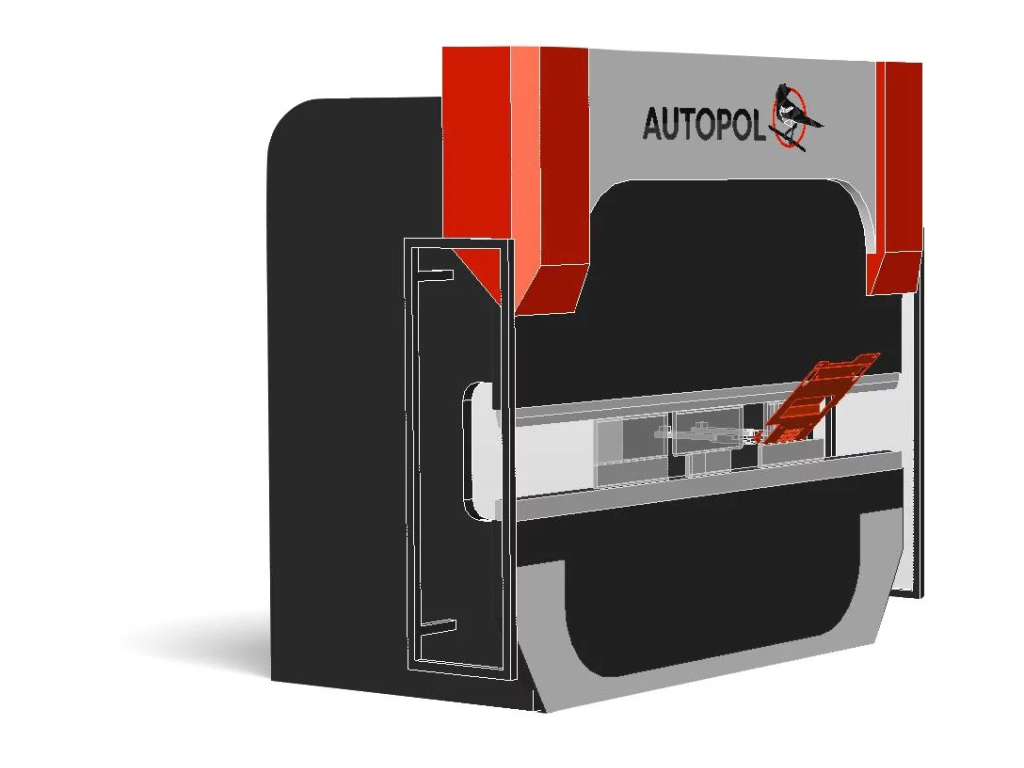
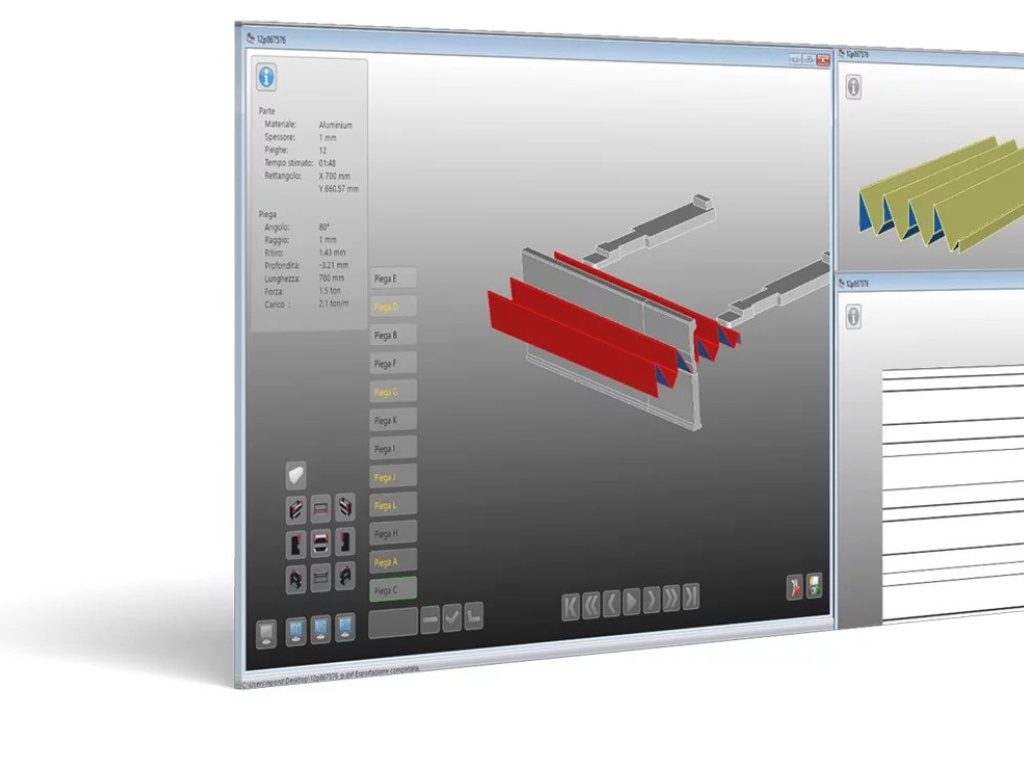
BEND AutoPOL is software for sheet metal bending. It is a vertical solution for managing this processing phase. It allows you to simulate the bending of individual pieces, make corrections during the planning phase, and easily and quickly program the bending press.
-
Reduces the time needed to create a program and minimizes waste material.
Do you have the right tools for the required processing? Is there a mistake in the design? Will you be able to bend the piece in one part, or will you have to cut and assemble it from multiple parts? With COMPUTES BEND AutoPOL, you can check for potential issues (such as interference during bending) and make the right decision without wasting time and materials. -
Reduces machine and operator downtime.
While creating the CNC program, the bending press is blocked. Moving programming to the office will free up valuable resources in the workshop. -
Reduces the required competency for programming and increases the operator's value in value-added operations.
COMPUTES BEND AutoPOL automatically calculates machine tool settings, optimized bending sequences, NC generation position, and documentation for the machine operator. For more complex parts, a good operator will help the program achieve the most optimized solution. -
A more accurate view of the flat 2D shape leads to time savings in welding and assembly.
The calculation of the flat 2D shape is no longer theoretical but is made considering the tools that will be used for bending. The task for those who will have to perform welding and assembly is simplified.

-
Compatibility
Do you have multiple bending machines with different CNCs? No worries, COMPUTES BEND AutoPOL can easily handle tool searching and the simulation of the bending process. COMPUTES BEND AutoPOL includes post-processors from all manufacturers who have opened their CNCs. For all of these, the program can be sent directly to the machine. -
3D CAD Environment and Drawing Design
COMPUTES BEND AutoPOL is based on a real parametric 3D drawing environment that allows you to open and manage individual parts from other 3D CAD software. Commands are available for modifying parts and correcting typical errors in technical drawings, such as bending radius and notches for bending. If it is not possible to bend a solid piece in one part, it can be divided into multiple parts. With the optional DESIGN module, you can also create individual, parametric parts from scratch. -
Simplification of DXF Client Management
It allows for the creation of a 3D drawing from a 2D flat view imported from DXF format.
-
Catalog of Parametric Shapes
Includes a catalog of parametric shapes that are difficult to design and manufacture. Funnels, couplings, fittings, and sector curves are just a few examples of the available details. -
Finding the Right Tool Type
The program automatically selects the type of punches and dies from those available in the customer's actual inventory or from a limited range specified by the operator. If there is no solution with such tools, it is possible to search among the catalogs of major manufacturers. -
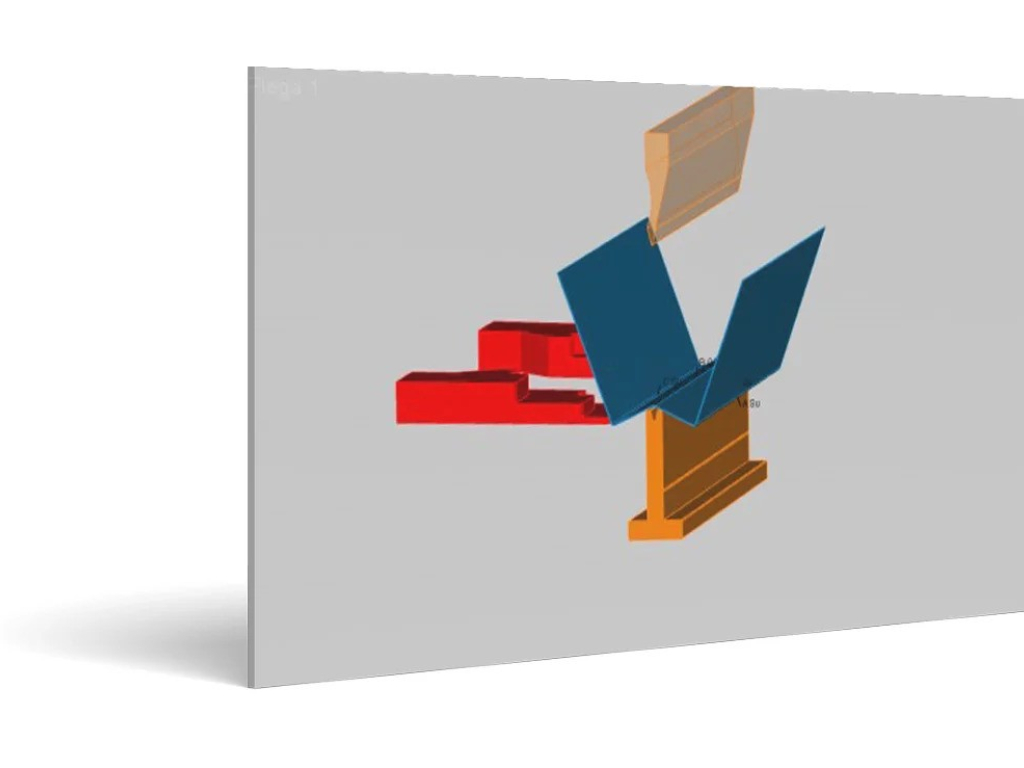
Complete Simulation of the Bending Sequence
The program searches for a bending sequence that minimizes the number of tools, movements of the part, and the operator based on the priority assigned to each. It then determines how many tool stations to use and the composition of stations based on the available fractions in the inventory. If a CNC post-processor is available, the program generates a file that only needs to be loaded and run on the CNC. If a post-processor is not available, the program creates PDF documentation that can be provided to the machine operator, who can then quickly create the CNC program. -
Capturing the Experience of the Press Operator
The experience of a "senior" operator can be stored in COMPUTES BEND AutoPOL. Through the program, the final result of the bending cycle optimization research can be saved. This allows even a new operator to repeat the bending cycle performed by the most experienced operator with maximum efficiency. -
Error-Free Flat View
COMPUTES BEND AutoPOL allows you to save the flat view that needs to be cut after the bending simulation, after selecting the appropriate tools. Only during the bending phase do you actually determine which tools are best to use.
-
It manages the automatic processing of all individual 3D files found in the reference directory.
This module is ideal for those who need to create programs for a large number of parts that do not require special precautions when generating the program.
-
The report displays the progress of the work.
Not only that, it optimizes time and prepares work for the next day. When? Overnight. There’s no need to hire workers; just program the file processing process overnight, and "BATCH & REMOTE" will automatically check them one by one. If a file contains issues for which a solution cannot be immediately found, COMPUTES BEND AutoPOL will move on to the next file.